
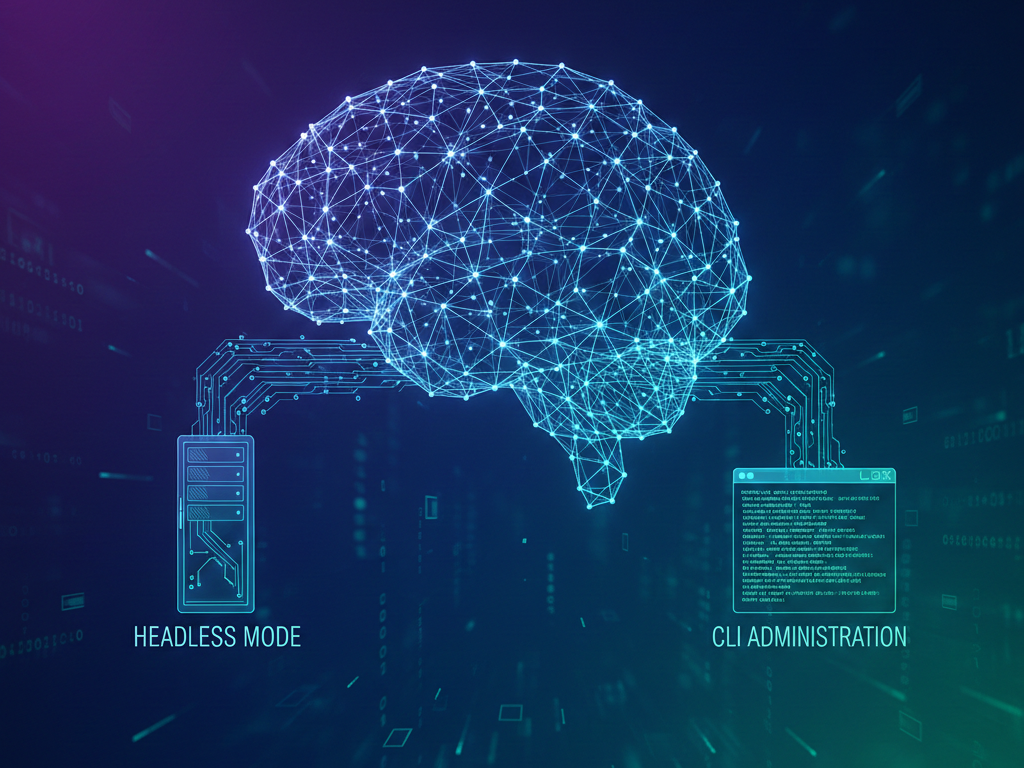
We’re excited to announce Chat4Us-Creator version 0.6.0, bringing powerful new capabilities to our visual chatbot development platform. This update represents a significant step forward in making chatbot creation and management more flexible and accessible for different use cases.
What’s New in Version 0.6.0?
Headless Operation Mode
Chat4Us-Creator can now run in NoGUI mode, allowing you to execute chatbots on headless servers without graphical interface requirements. This opens up new possibilities for deployment in server environments where traditional GUI operation wasn’t practical.
Complete CLI Administration
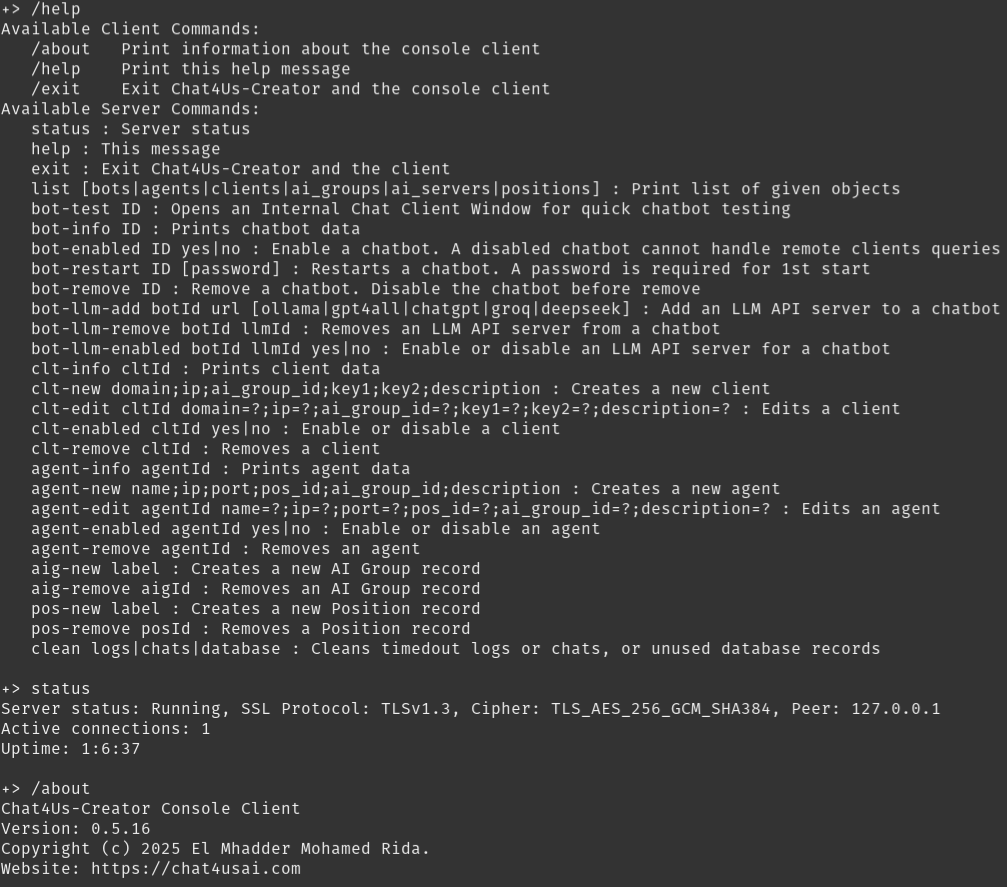
We’ve introduced a comprehensive command-line interface client that gives you full administrative control over your chatbot ecosystem. Accessible via the -nogui -client-cmd parameters, this CLI allows you to manage all aspects of your chatbot infrastructure directly from the terminal while the core software is running in background.
What You Can Do with the New CLI:
Chatbot Management:
- Create, list, and manage chatbot servers.
- Configure chatbot settings and behaviors.
- Monitor chats and chat servers.
Clients and Agents Administration:
- Manage client accounts and permissions
- Handle agent configurations and assignments
- Oversee access controls and security settings
System Operations:
- Server management and configuration
- System monitoring and health checks
- Maintenance operations.
Two Modes of Operation
1. GUI Mode (Default)
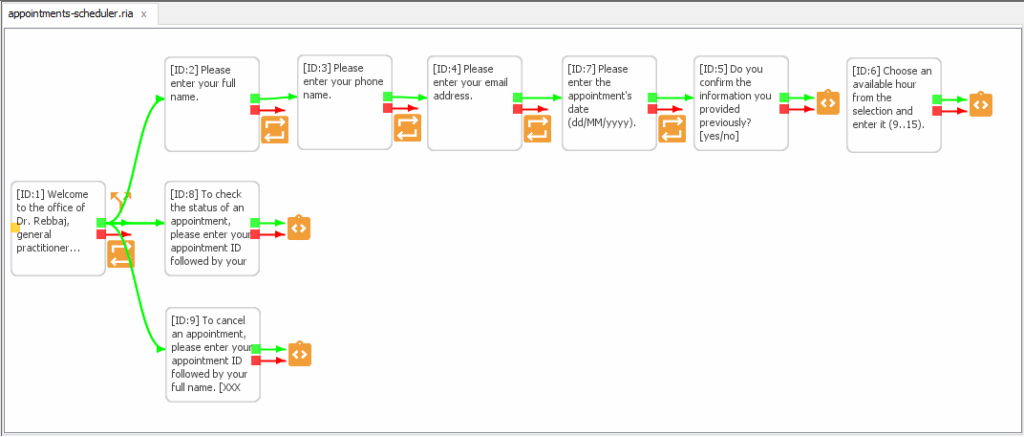
The familiar visual interface remains fully available. Use the graphic chat flow editor to design complex conversation patterns visually—this exclusive feature continues to be accessible only through GUI mode.
2. NoGUI Mode
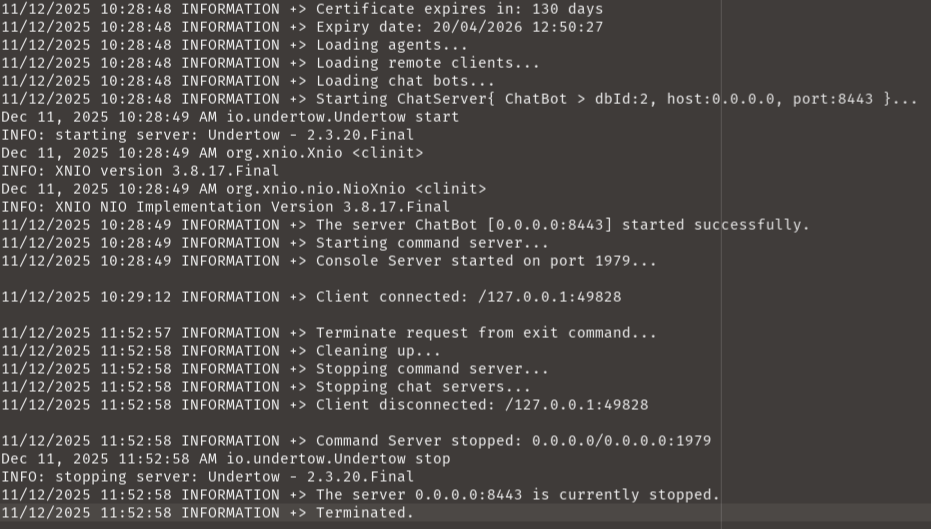
Run Chat4Us-Creator without graphical interface for:
- Production server deployments
- Automated chatbot execution
- Resource-constrained environments
- Background processing tasks
Why This Matters for Your Projects
The addition of headless operation means you can now:
- Deploy chatbots on cloud servers without GUI overhead
- Integrate chatbot execution into automated workflows
- Reduce resource consumption for production environments
- Manage multiple chatbot instances from a single command line
- Schedule and automate administrative tasks
Important Note
While the new CLI provides extensive administration capabilities, chat flow design remains a visual experience. Creating and editing conversation flows continues to use our intuitive GUI editor—we believe visual design is essential for creating effective, natural chatbot interactions.
Getting Started with 0.6.0
The new version will be available next week through our official channels:
- GitHub repository for source code and issue tracking
- SourceForge for distribution downloads
- Chat4UsAI.com for documentation and community support
To run the new NoGUI server mode:
java -jar chat4us-creator.jar --nogui
To try the new CLI features:
java -jar chat4us-creator.jar --nogui -cli
Looking Ahead
Version 0.6.0 lays the foundation for more advanced deployment scenarios while maintaining the user-friendly visual design experience that makes Chat4Us-Creator unique. We’re committed to providing both simplicity for designers and flexibility for developers.
Your Feedback Matters
As we continue to improve Chat4Us-Creator, your experiences and suggestions are invaluable. Try the new CLI features and let us know how they work for your use cases. Your feedback will help shape future developments as we work toward making chatbot creation accessible to everyone.
Chat4Us-Creator User Guide will be updated with more details about the NoGUI and CLI modes.





One response to “Chat4Us-Creator 0.6.0: Now with Headless Mode and CLI Administration”
Thanks very nice blog!