
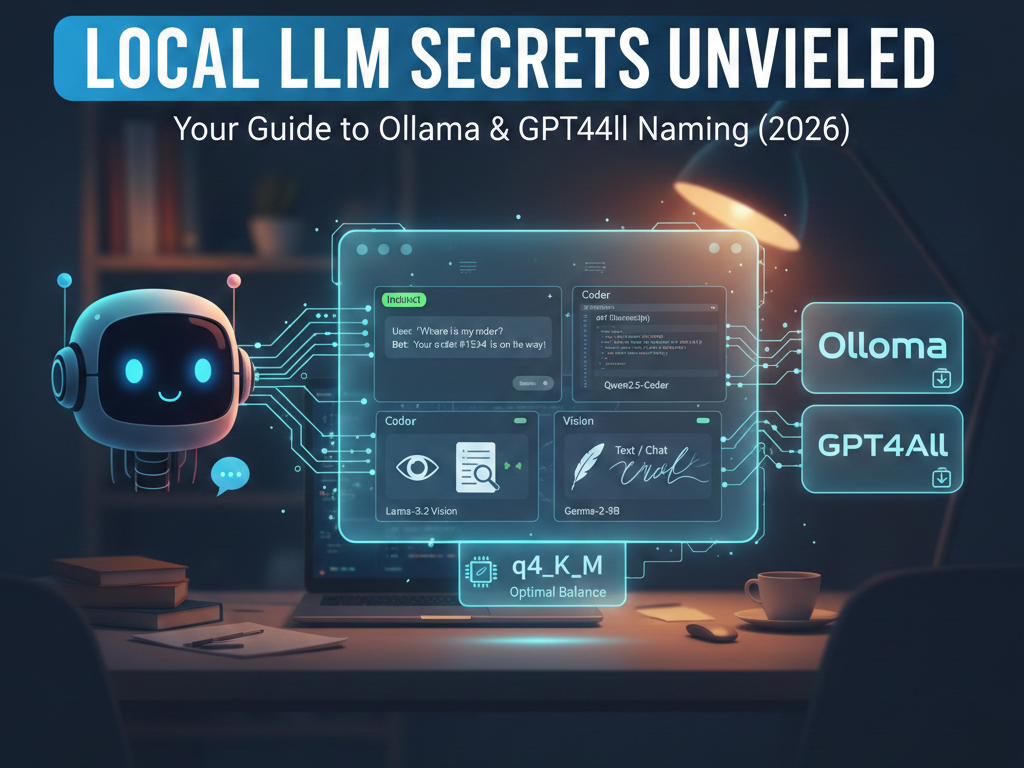
Hello fellow chatbot creators! Today I want to share something important for your local offline chatbot projects. A common question I get is: “How do I know which AI model to download?” When you check out Ollama or GPT4All, the model names can look like a secret code—things like llama3.2:3b-instruct-q4_K_M. It can be confusing! But don’t worry, keep reading and I’ll break it down in simple terms.
Why the Names Matter?
If you choose the wrong “type,” your chatbot will act very strange. It might not follow your rules, or it might just keep writing forever like a broken typewriter. To have a good project, you must look for three main “keywords” in the name.
1. The “Instruct” or “IT” Type
This is the Best LLM for Chatbots. If the name has “instruct,” it means the model went to school to learn how to follow orders.
- Real-life example: You want to make a Customer Support Bot for a small shop. You give it a list of rules like “Always be polite.” An Instruct model (like Llama-3.1-8B-Instruct) is perfect for this.
2. The “Text” or “Base” Type
If you don’t see “instruct,” it is usually a base model. It is a “word predictor.”
- Real-life example: You are writing a story and you have “writer’s block.” You want the AI to finish your sentence. A Text model is great because it just follows the flow of the writing.
3. The “Vision” Type
This is very cool! These models have “eyes.”
- Real-life example: You want to make an Invoice Scanner. You show the AI a photo of a receipt, and it tells you the total price and the date. You need a model like Llama-3.2-Vision for this.
Best Local Chatbots for Your Projects (Table)
I made a small list of the best models to help you choose:
| What you want to build | Best Model Type | Why? |
| Business Assistant | Instruct | It follows your company rules strictly. |
| Coding Helper | Coder | Specially trained for programming languages. |
| Personal Diary/Creative | Text / Chat | It writes more like a human, less robotic. |
| Document Reader (OCR) | Vision | It can “see” the text in your PDF or Image. |
My Final Advice
If you use a computer or a server with not much RAM (like 8GB), always look for the q4 tag. This is the “magic” size that makes the AI run fast without making it stupid.
Running AI offline with Ollama or GPT4All is the best way to keep your data private. No one can see what you talk about with your robot!
Read more: How to create your first chatbot