
Your Innovative Solution for Chatbots Creation
Chat4Us-Creator is an innovative platform designed to empower businesses with the tools needed to create, manage, and integrate chatbots seamlessly. By leveraging modular software, companies can build efficient chatbot solutions tailored to their specific needs without requiring extensive technical expertise. Chatbots are created and edited using a graphic editor with interconnected nodes as illustrated in the following screen shots and demo videos.
One of our standout features is the ability to integrate a chatbot iframe into websites or various platforms, making it easy for businesses to enhance customer service experiences across different channels. This flexibility allows Chat4Us-Creator to cater to diverse use cases and preferences.
For those looking to explore further, we’ve made it open-source, Java sources and binaries are easily accessible on GitHub and SourceForge. This allows users to download and integrate it into their existing systems with minimal effort.
Additionally, our website offers comprehensive resources including tutorials, examples, and sample projects to help you create and effectively manage your own chatbots.
Whether you’re a tech-savvy developer or someone looking for simplicity, Chat4Us-Creator offers a robust yet flexible solution tailored to meet your requirements.
Join us in transforming customer interactions and elevating service quality with Chat4Us AI—where innovation meets accessibility!
A Comprehensive Chatbot Development Solution
Chat4Us-Creator is a comprehensive platform designed for creating and managing chatbots using modular software components. The system comprises four essential modules that work together seamlessly to provide an efficient and secure user experience.
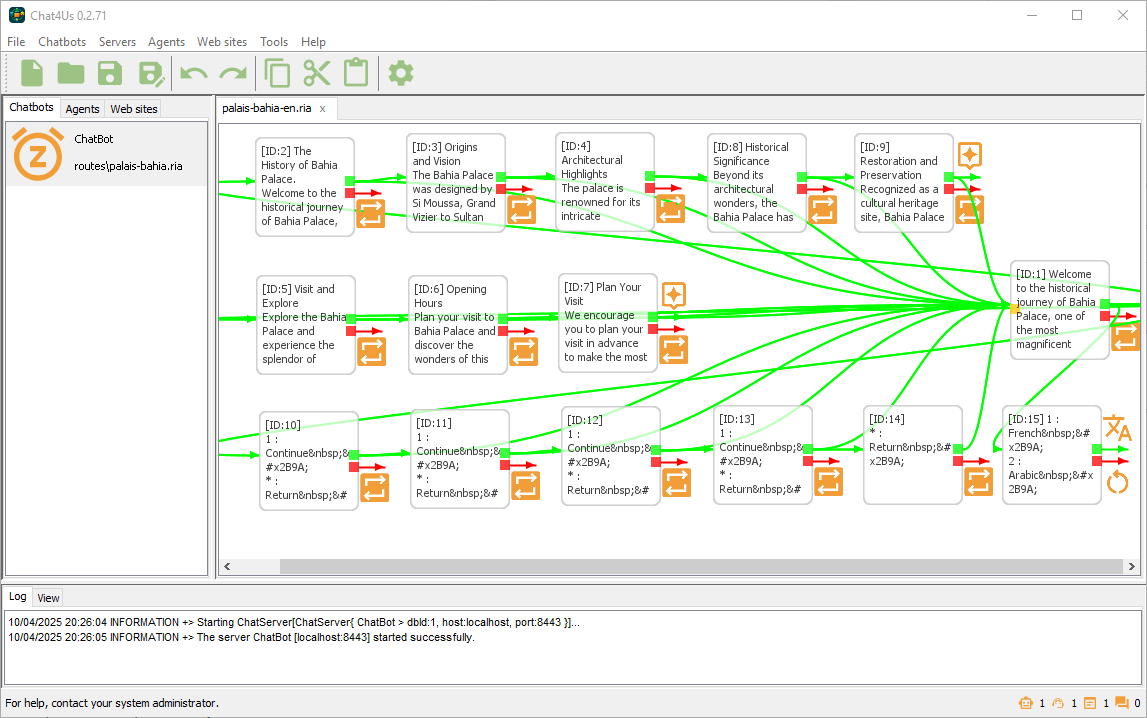
Chat4Us-Creator
Core of the System, this module allows users to create, manage, and administer chatbots within various platforms such as websites or mobile apps. It ensures secure communication between the client: an IFrame on a website or an app, the chatbot itself, its AI assistant, and any messenger app involved in handling complex queries.
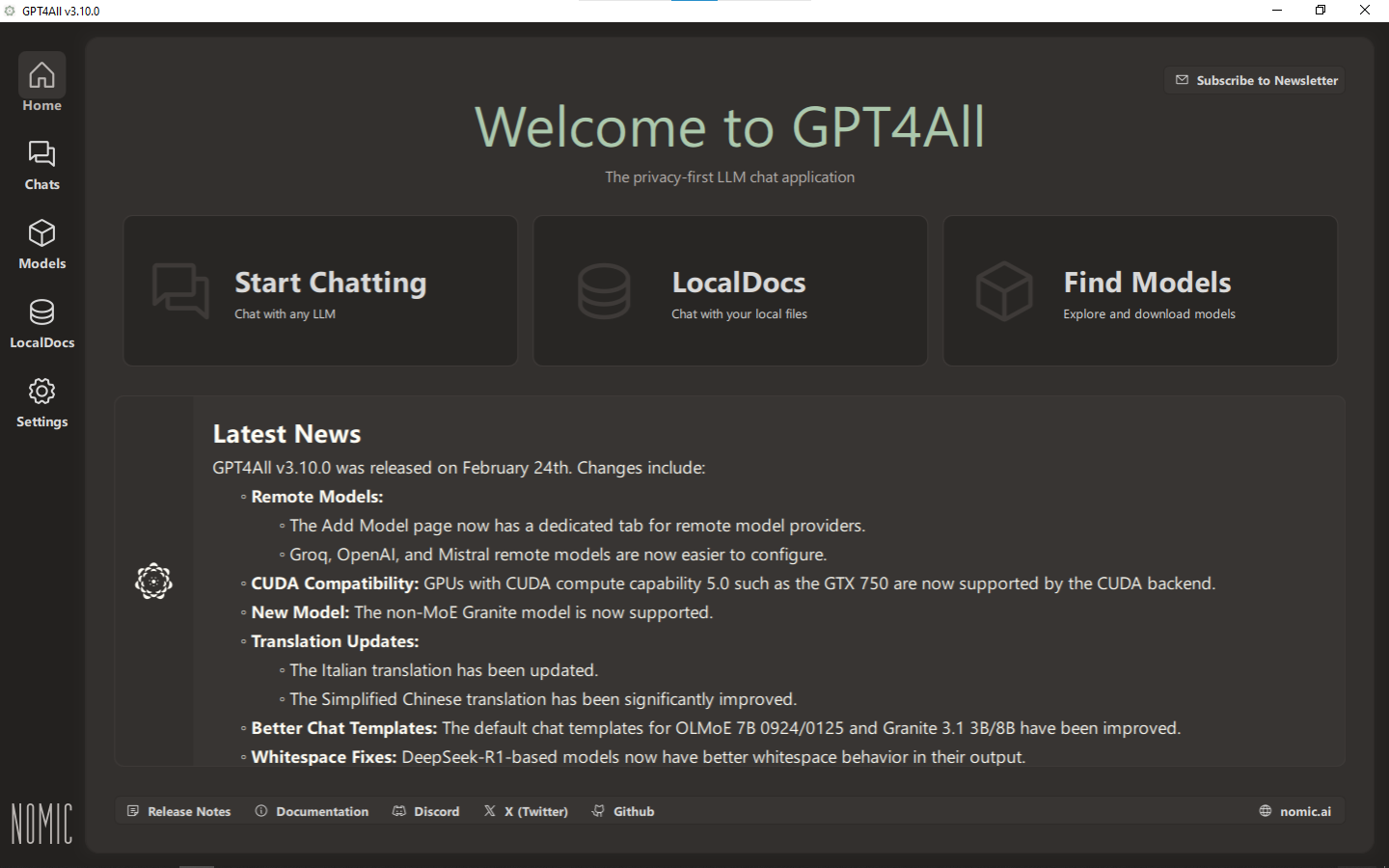
AI Server (GPT4All)
Specifically designed for running AI model languages offline, chat servers use or accesse GPT4All in order to process user requests, generates responses, and fine-tunes the model language for better and targeted responses using Local Docs feature.
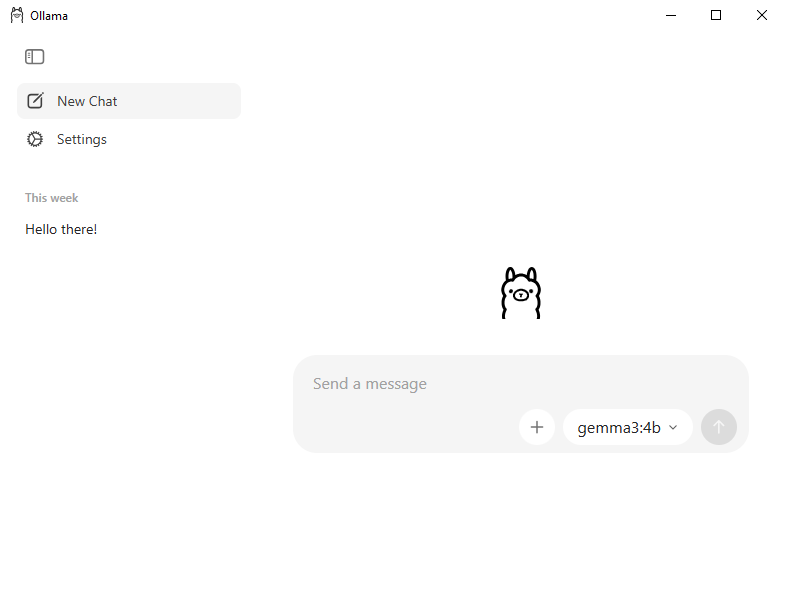
AI Server (Ollama)
Yet, a compelling alternative to GPT4All, offering significantly more model availability and the ability to run on a diverse range of machines, leveraging varying capabilities. The available models span a considerable spectrum, ranging from relatively small 2 billion parameter LLMs all the way up to massive 120 billion parameter models. This breadth allows for experimentation and deployment across a wider array of hardware configurations, catering to different computational needs and resource constraints.
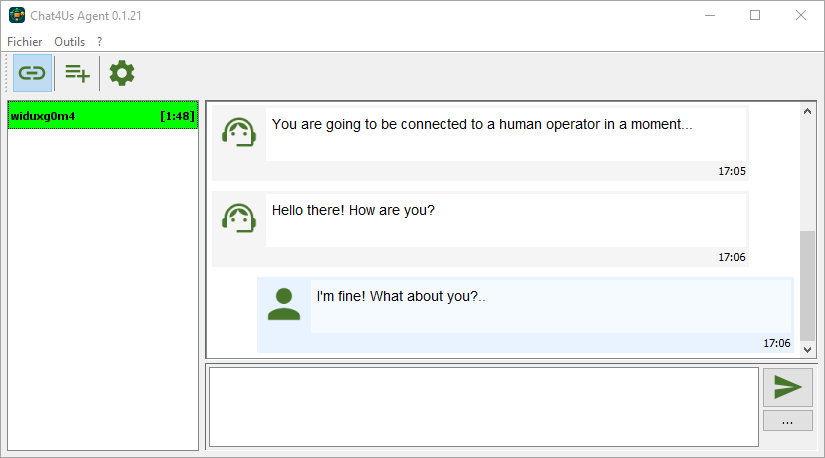
Messenger App
When users need assistance beyond what the chatbot can provide, they escalate their conversation through this app, which then handles human intervention as required.
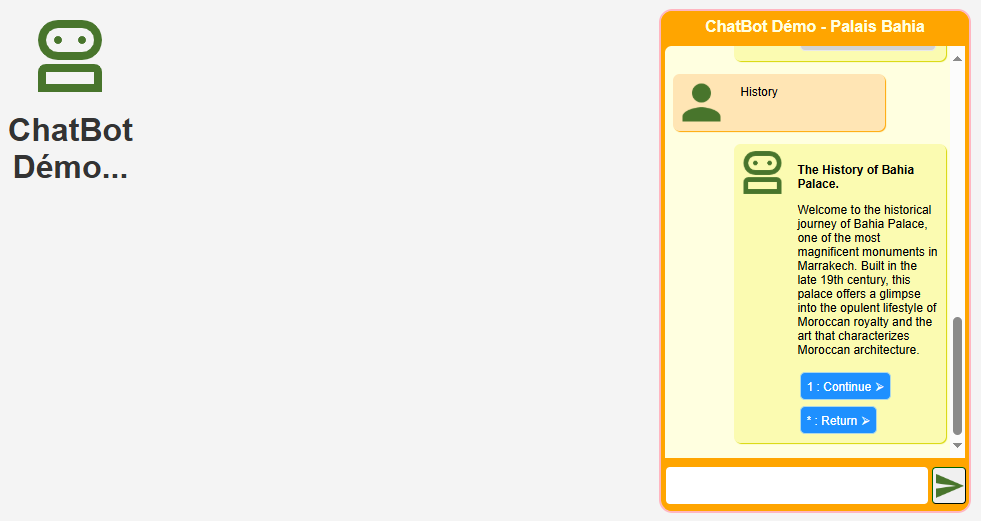
Chat IFrame
Example (HTML, CSS, JS and PHP) project to let dev teams understand communication mechanisms with Chatbot servers. Integrated into websites, this interactive component enables users to communicate with both the chatbot and a human operator when needed, enhancing flexibility in how interactions are managed across different platforms.
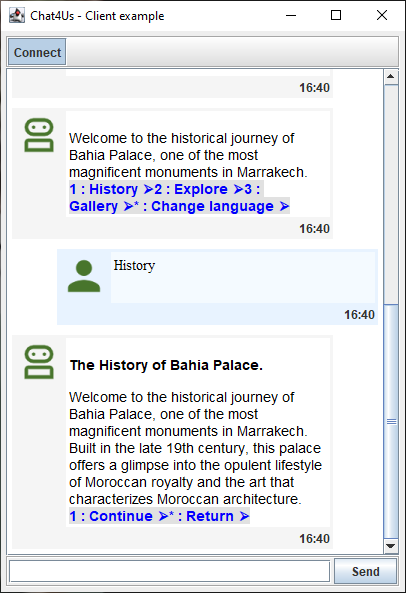
Chat Client
Example Java project for dev teams to demonstrate the communication mechanisms with chat servers. Suitable for developpers who want to create interactive apps enabling users to communicate with the chatbot and a human operator when needed. Read more about how to create your own chat client.
Local Deployment To Avoid Data Leaks
Aware of the challenges associated with data protection and confidentiality, Chat4Us AI prioritizes deployment on local infrastructures.
This approach allows businesses and organizations to maintain complete control over their sensitive information and eliminate the risk of data leaks associated with using external cloud services.
Instead of using local hosted language models that need heavy infrastructures, Chat4Us-Creator can also connect chatbot flows to popular LLMs through APIs like OpenAI, DeepSeek or Groq.
What’s next?
If you need more information, you can process to the tutorials page. To start using creating intelligent chatbots, go to the downloads page where the latest binaries releases are hosted then procede the steps shown in the installation page to setup your Chat4Us-Creator for first run. You can start by using one of the chatbots examples available for download to better understand how it works. Or better, create your first chatbot.